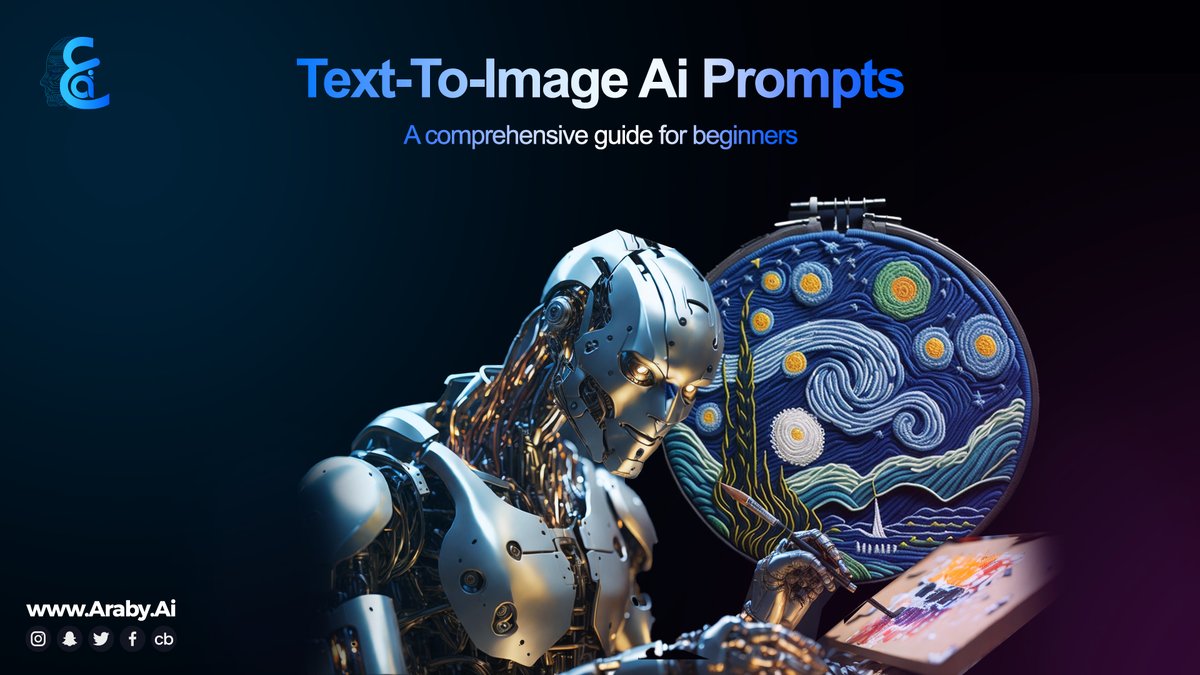
Imagine turning fleeting thoughts into breathtaking visuals with a few well-chosen words. That’s the magic of AI art generation, and with a platform like Magic Studio, mastering prompts is your superpower. This isn't just about typing; it's about learning to communicate with an incredibly sophisticated creative partner, unlocking a universe of aesthetic possibilities. Ready to move beyond basic outputs and command AI to create truly stunning, unique art? Let's dive in.
At a Glance: Your Prompt Engineering Toolkit
- Detail is King: Every word, adjective, and descriptor significantly influences the final image.
- Iterate Relentlessly: Rarely is the perfect prompt achieved on the first try. Experiment, tweak, and refine.
- Visualize First: Before typing, clearly define your vision in your mind – then translate it into precise language.
- Experiment with Styles: AI understands a vast range of artistic styles, from realism to abstract, illustration to cinematic.
- Learn from Edits: If an output isn't right, pinpoint what's missing or off and adjust your prompt accordingly.
- Build Cohesive Series: Use a "seed phrase" to maintain consistency across multiple generated images.
The New Canvas: Why Prompt Mastering Matters
In an era where AI art generators like Magic Studio can conjure museum-quality art in a mere five seconds, the traditional barriers to artistic creation have crumbled. No longer do you need years of technical training to replicate the brushstrokes of Caravaggio or the vibrant energy of Basquiat. Instead, your fluency in language becomes your most potent artistic tool. This democratization of art isn't just a novelty; it's a profound shift, offering everyone the ability to manifest their imaginative concepts effortlessly.
The core capability of these advanced algorithms, fed by extensive datasets, is to translate text into intricate visuals. From the ephemeral shifting patterns of abstract art to the hyper-realistic capture of light and texture, or the whimsical charm of concept art, the range is astounding. But this power comes with a caveat: the AI is only as good as the instructions it receives. A vague prompt yields a vague image; a masterful prompt unlocks the extraordinary.
Your Prompt, Your Palettes: Principles of AI Art Creation
Think of prompt engineering not as coding, but as creative direction. You're not just telling the AI what to draw, but how to feel, what mood to evoke, and what aesthetic to embrace.
The Power of Specificity: A Single Word's World
The impact of detail in your prompt cannot be overstated. Consider the difference between "a seascape" and "a stormy seascape." One simple adjective ("stormy") completely transforms the mood, color palette, and wave intensity. Or imagine "a pastel seascape"—a radically different image again. This principle extends to every element: colors, shapes, props, lighting, and background details all contribute to the final intricacy and impact.
Example:
- Basic: "A cat" (likely a generic cat)
- Better: "A fluffy ginger cat sitting on a windowsill"
- Masterful: "A fluffy ginger cat with emerald eyes, perched on a sun-drenched oak windowsill, antique lace curtains gently swaying, golden hour light, highly detailed fur, photorealistic, cinematic shot."
The more clearly you articulate your vision, the closer Magic Studio will get to reading your mind.
The Iteration Imperative: Don't Seek Perfection, Seek Progress
One of the most common pitfalls for new AI artists is the expectation of perfection on the first try. Seasoned creators understand that prompt engineering is an iterative dance. You generate multiple versions, select the most promising elements, and then blend or refine.
A crucial strategy here is isolated variable testing. Instead of changing five things at once and wondering what had the biggest impact, alter one clause, generate, note the outcome, and then move to the next tweak. This methodical approach quickly builds your intuition for what descriptors carry the most weight. You'll soon discover your personal lexicon for achieving specific textures, moods, or styles. For tips on generating various aesthetics, exploring different AI art styles can significantly broaden your creative vocabulary.
Clarity is Your Compass: From Mind to Masterpiece
Before you even touch the keyboard, take a moment to visualize your ideal image. What's the focal point? Who or what is the main subject? What emotions should it convey? What's happening in the foreground, midground, and background?
Translate these thoughts into clear, descriptive words. Don't be afraid to be verbose initially; you can always prune later. Focus on:
- Subject: Detailed description of characters or objects.
- Action/Interaction: What are they doing? How do they relate to each other?
- Setting: Background, environment, time of day, weather.
- Style/Mood: Art movement, photography technique, color scheme, emotional tone.
The Six-Step Workflow: Your Guide to Magic Studio AI Art Generation
Harnessing Magic Studio for your artistic endeavors is a streamlined process once you understand the steps. Let's walk through it.
- Give Your Imagination Clarity: This is the pre-prompting phase. Close your eyes, visualize, and articulate to yourself exactly what you want to see. Is it a sprawling cyberpunk city? A serene forest elf? A bustling market scene from another dimension? The clearer your mental image, the better you can translate it into text.
- Enter the Prompt: Open Magic Studio and type out your descriptive text. Remember the principles above: be detailed, specific, and clear. Start broad, then add layers of detail.
- Hit Generate/Create: With your prompt entered, click the generate button. Magic Studio's algorithms will get to work, interpreting your words and synthesizing them into visual data.
- Preview and Download: Within seconds, you'll typically be presented with 3-4 distinct images based on your prompt. Review them carefully. Which one best captures your vision? Download your favorite, and if desired, use any in-platform editing tools to make minor adjustments.
- Redefine the Prompt (The Iterative Loop): This is where true mastery begins. If the initial results don't meet your expectations—perhaps the colors are off, the composition is weak, or a specific detail is missing—don't give up! Instead, go back to your prompt.
- What needs changing?
- Should you add more descriptive adjectives?
- Change the lighting or art style?
- Remove conflicting elements?
Edit your prompt and hit generate again. This feedback loop is essential for learning and refinement.
Level Up Your Prompting: Actionable Exercises
To truly internalize the impact of each word, hands-on experimentation is key.
The One-Word Subtraction Challenge
This exercise helps you understand the weight of individual terms.
- Start with a detailed, multi-adjective prompt (e.g., "A majestic silver dragon perched atop a jagged, snow-capped mountain, breathing icy mist, volumetric lighting, epic fantasy art.").
- Duplicate this prompt.
- In the duplicated prompt, remove just one descriptive word (e.g., remove "jagged").
- Generate both images simultaneously.
- Compare the outputs. How did removing "jagged" change the mountain's appearance? What impact did "volumetric lighting" have? By isolating variables, you build an intuitive understanding of your prompt's vocabulary. This is a foundational step to mastering advanced prompt techniques.
The Style Swap Drill
This drill demonstrates AI's versatility and helps you find the perfect aesthetic.
- Choose a consistent subject line (e.g., "A lone astronaut exploring an alien desert planet").
- Apply four different style tags to this subject:
- "...as a watercolor painting."
- "...in claymation."
- "...as a 1990s arcade poster."
- "...shot on large format film."
- Generate each.
- Compare the results. Notice how the core composition often remains consistent, but the texture, palette, and overall mood shift dramatically with each style tag. This not only expands your creative range but also helps you discover unique styles for your portfolio.
Beyond Single Images: Crafting Cohesive Series
Random inspiration is great, but creating a cohesive body of work is where AI art truly shines for professional applications. To move from disparate images to a unified series, employ a "seed phrase" strategy.
Select a core concept or theme that will anchor every piece in your series (e.g., "midnight jazz club"). This phrase remains untouched in all your prompts. Then, rotate supporting adjectives, subjects, or actions around this anchor.
Example Series Prompts:
- "Midnight jazz club, dimly lit, saxophone player lost in music, smoky atmosphere, film noir style."
- "Midnight jazz club, vocalist at center stage, spotlighted, murmuring crowd, art deco aesthetics."
- "Midnight jazz club, close-up of a spilled drink on a polished bar, neon reflections, moody street photography."
This method allows for rich variation while maintaining a recognizable thematic thread throughout your collection, a powerful tool for AI art for business applications.
Common Questions & Smart Answers
Won't All AI Art Start Looking the Same?
Only if you give identical instructions! The true art of prompt engineering lies in embracing specificity, leveraging odd word pairings, and exploring cultural mashups. The more unique and detailed your prompt, the more distinct your output will be. Think "Baroque-punk squirrel wizard casting spells made of light, in a post-apocalyptic forest." The uniqueness comes from your imagination, amplified by the AI.
What About File Sizes?
Most platforms, including many versions of Magic Studio, default to around 1024x1024 pixels square for initial generations. Higher-resolution options (4K or 8K) are often available in paid tiers or through specific upscale features. While third-party upscaling tools exist, be wary; some can introduce "mushy" edges or artifacts, losing the crispness of the original AI output. Always prioritize generating at the highest native resolution available on your chosen platform if print quality is paramount. If you're exploring comparing AI art generators, resolution options are a key feature to examine.
Real-World Magic: AI Art in Action
The impact of AI art generation extends far beyond individual hobbyists. Businesses and educators are rapidly adopting this technology for its speed, cost-effectiveness, and sheer creative potential.
- The Accidental Cafe Mural: In February 2024, a barista in Melbourne made a typo, typing "latte galaxy swirl" into an AI art generator. The resulting cosmic coffee art was so captivating it became a gallery exhibit, raising funds for a new espresso machine. This small oversight led to a significant business boon, showcasing the serendipitous nature of AI creation.
- Education Reimagined: A University of Leeds professor utilized AI to revolutionize color theory instruction. Students were tasked with writing mood-based prompts, such as "nervous sunrise." They then reverse-engineered the color palettes from the AI's output, gaining a deeper, more intuitive understanding of how colors convey emotion than traditional methods allowed.
- Fashion Forward: A London fashion brand leveraged AI to generate 20 high-resolution lookbook concepts in a single afternoon. Prompts like "overcast rooftop, brush of mist, models wearing deep emerald jackets, cinematic grain" yielded stunning mockups that secured 10,000 pre-orders. This rapid prototyping not only attracted significant investment but also financed a traditional photoshoot, proving AI's value in de-risking creative ventures.
These scenarios highlight a crucial advantage: AI prompt sessions are a fraction of the cost of hiring a traditional illustrator, deliver dozens of iterations almost instantly, and empower non-artists with real-time creative control. While human illustrators can use generators as brainstorming partners, AI truly excels at providing early-stage mockups and rapid prototyping, offering a significant speed-to-market advantage that attracts investors. For businesses seeking a competitive edge, Magic Studio AI art generator provides an invaluable tool for ideation and visualization.
Trusting Your Tools: Choosing Your AI Art Partner
While the focus here is on Magic Studio, the broader landscape of AI art generators requires consideration. When selecting a platform, look beyond flashy features. Factors like training data quality, community resources, and support infrastructure are paramount.
Platforms that provide weekly updates, transparent patch notes detailing improvements, active user forums, and responsive staff (e.g., patching critical bugs within 48 hours) foster greater trust. These elements indicate a commitment to continuous improvement and user experience—qualities highly valued by seasoned creators who rely on these tools for professional output.
Your Next Masterpiece Awaits
Mastering prompts for Magic Studio AI art generation isn't about becoming a coder; it's about becoming a more precise, imaginative communicator. It’s about understanding that every word you type is a brushstroke, every adjective a pigment, and every iteration a step closer to your vision. Embrace the iterative process, push the boundaries of your language, and watch as your imagination materializes into stunning works of art. The power is literally at your fingertips. Now, go create something extraordinary.